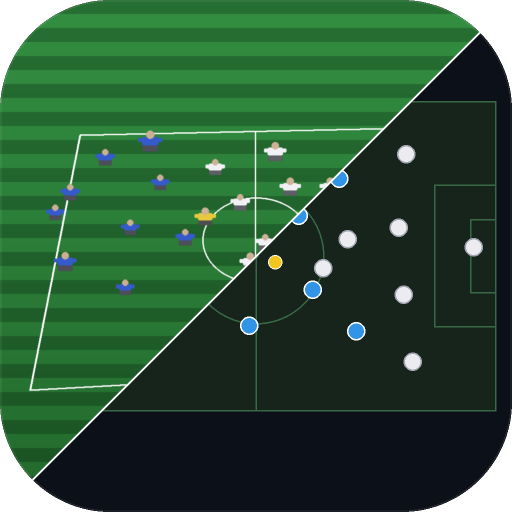
DotMapper takes a still from your game video — Reeplayer, Veo, Trace, Pixellot, or any photo from the sideline — and turns it into a clean, top-down diagram of where every player was standing. Show your team their shape the way you see it, in minutes instead of a whiteboard session.
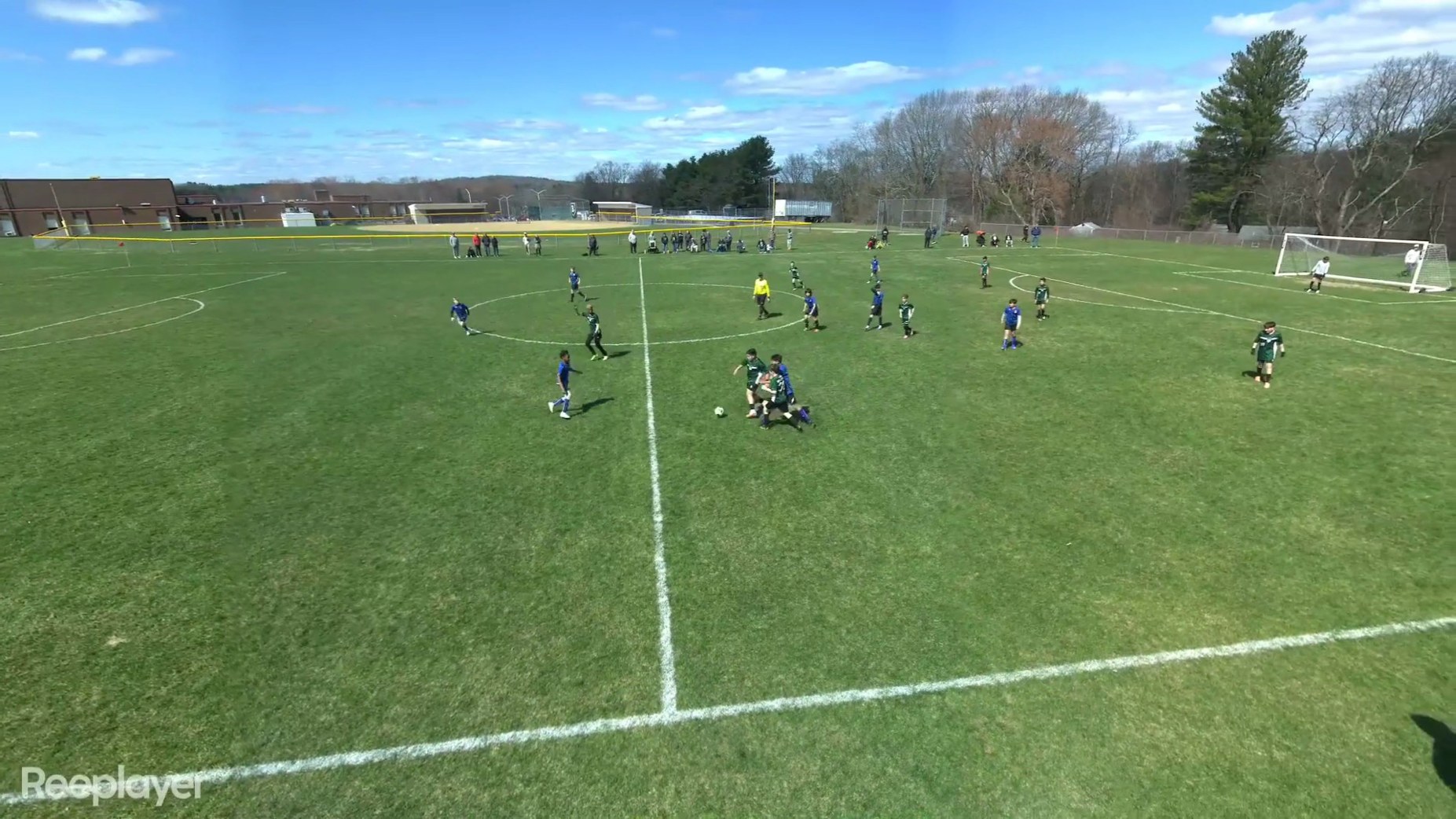
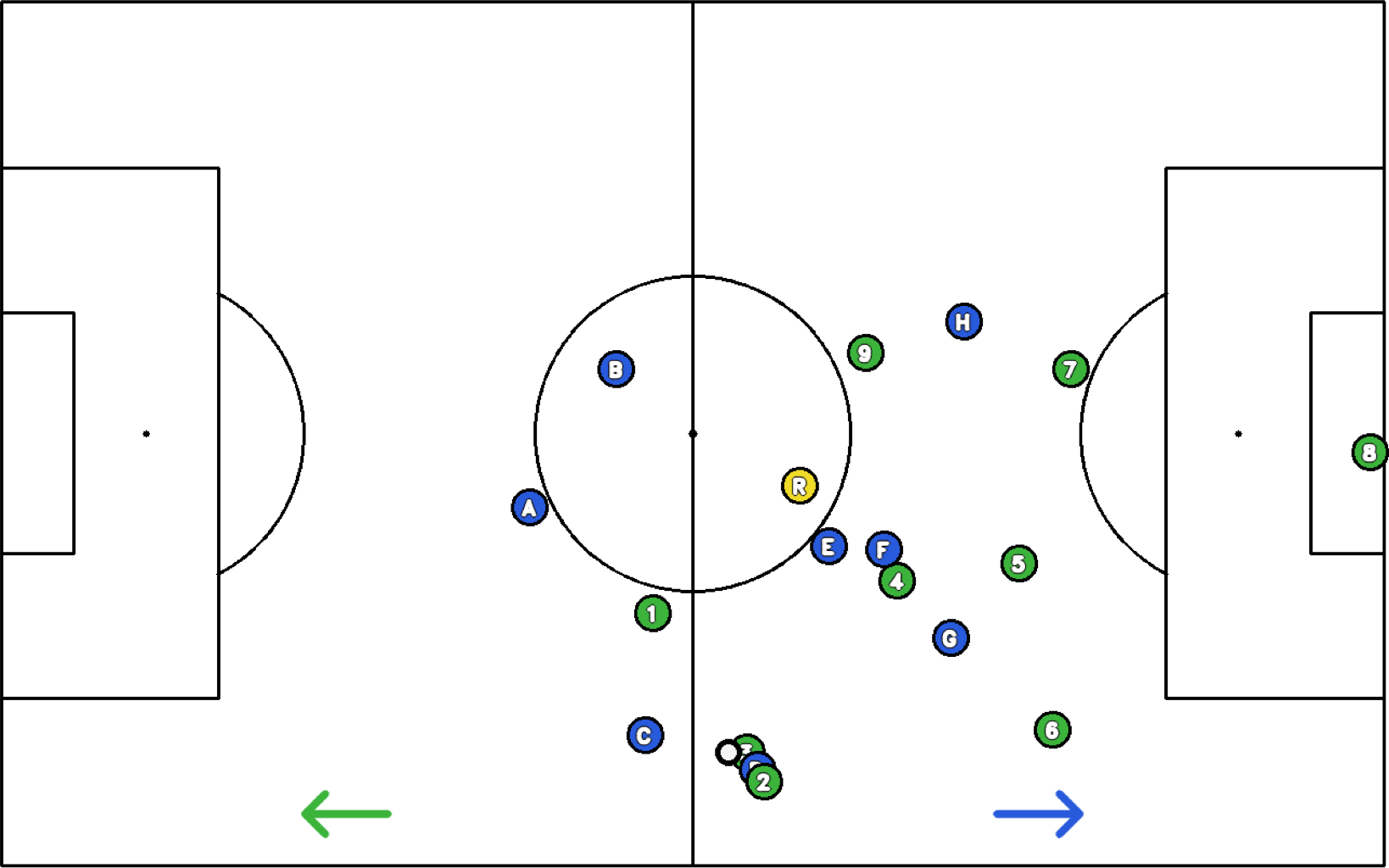
Real output from a single video frame: labeled players by team, referee, ball, and attacking-direction arrows — exported as a print-ready PDF with the photo and diagram together.
On-device detection finds every player and sorts them by jersey color. Drag anything it got wrong — you always have the final say.
No uploads, no account, no cloud processing. Your footage of your players never leaves your computer.
AI camera exports — Reeplayer, Veo, Trace, Pixellot — and ordinary photos from a phone on the sideline.
Capture multiple frames from one video; field calibration carries forward so each additional frame takes seconds, not minutes.
Letter-size PDF with the original photo on top and the top-down dot map below — with team labels and attacking-direction arrows.
Buy it once, use it for good. No subscription, no seat management, no renewal emails.
DotMapper was built by a volunteer youth soccer coach who wanted a better way to show his players their shape than waving at a whiteboard after the fact. It started as a tool for his own teams — now it's offered to yours.
That origin is why it works the way it does: it runs entirely on your Mac because youth game footage shouldn't be uploaded anywhere, and it's a one-time $19.99 because a volunteer coach wouldn't pay a subscription either.
When he's not mapping dots, he's breaking down the youth game on YouTube at @soccercoachkw — and freeze-framing standout plays with Player Highlight, this app's sibling.
Requires an Apple Silicon Mac (M1 or later) running macOS 12 or newer. Your license key arrives by email after checkout and activates the copy you already downloaded.